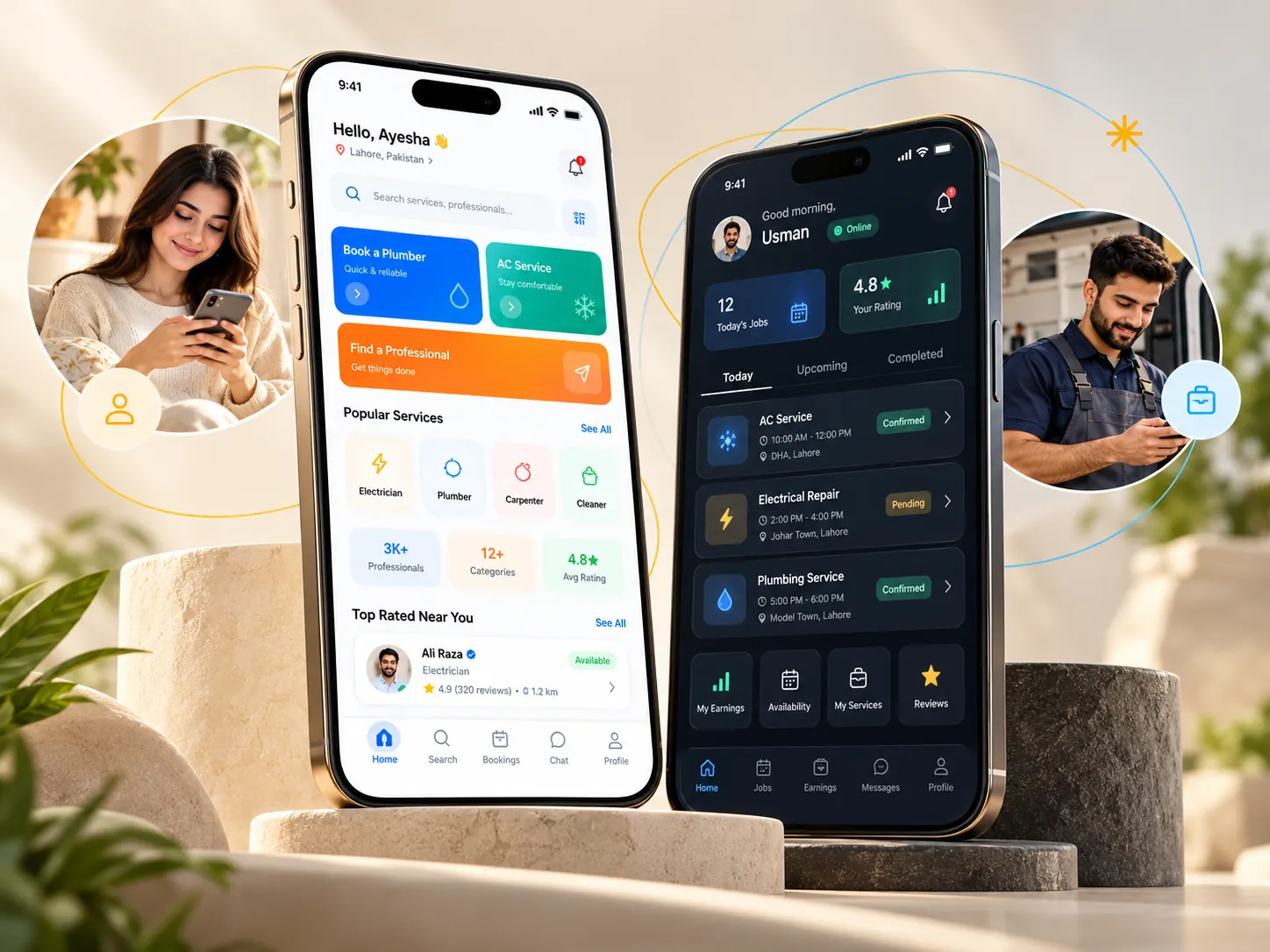
Create your account
Register or sign in, choose your preferred language and set the area where you need service.

See how the customer and professional experience are envisioned to connect.
The planned in-app customer experience begins with an account, then moves from choosing the right service to managing a request and keeping a record of the work. The current website only accepts early-interest registrations, not bookings. For a useful description of a future job, see the home-service request checklist.
Register or sign in, choose your preferred language and set the area where you need service.
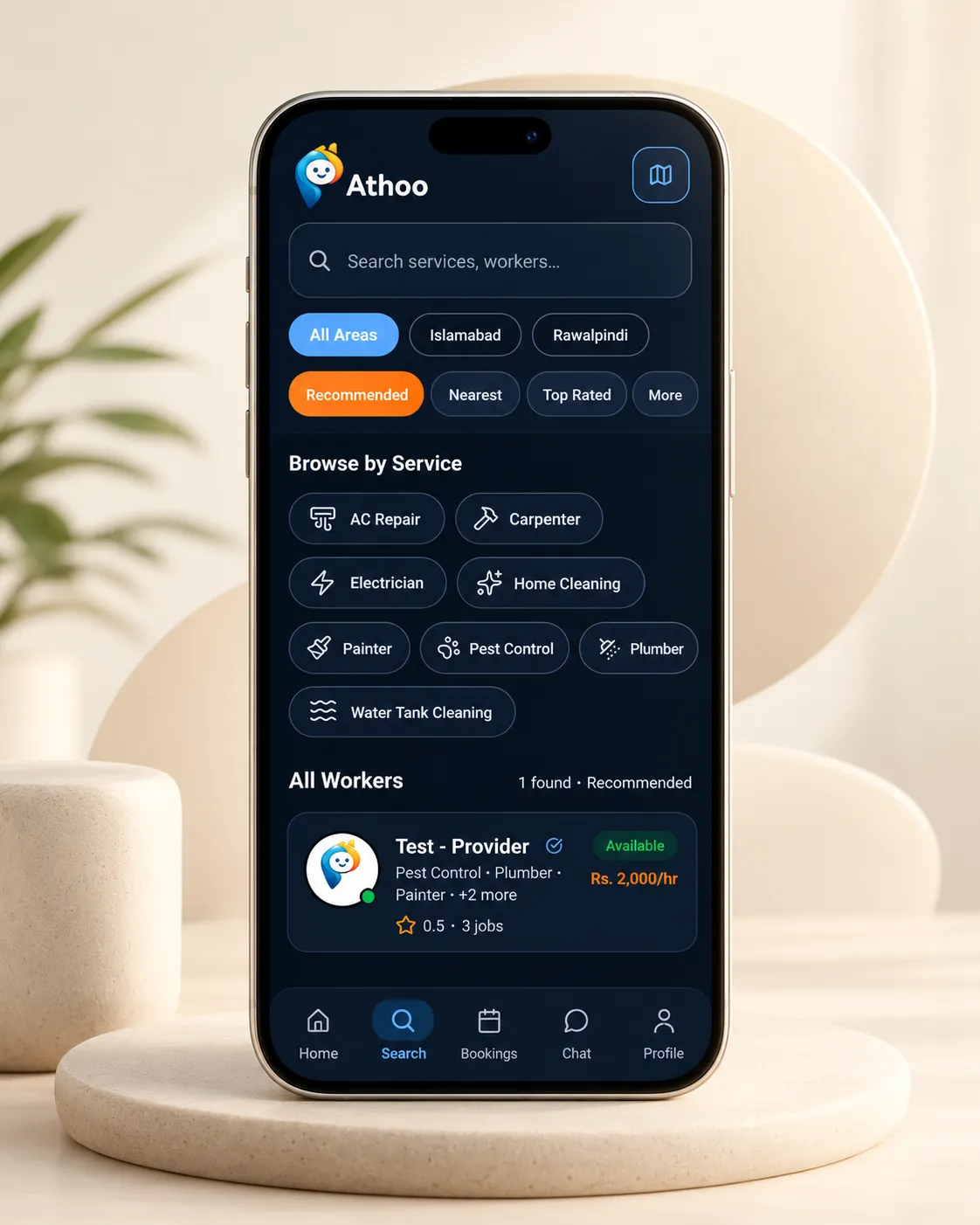
Search by service or professional. Narrow results by category, area and available discovery filters.
Select an available professional or use Broadcast a Job to describe the work and invite responses.
Share the issue, location, preferred date or time, and any relevant photos. Review details before sending.
Compare the information available in professional profiles and the offers or booking status shown in the app.
Follow pending, active, in-progress and completed bookings from My Bookings.
Return to service history and billing, inspect receipts, and use available rebooking or support actions.
From discovery to service history, each screen shows a different part of the workflow.
Explore service categories and the custom-job broadcast entry point.
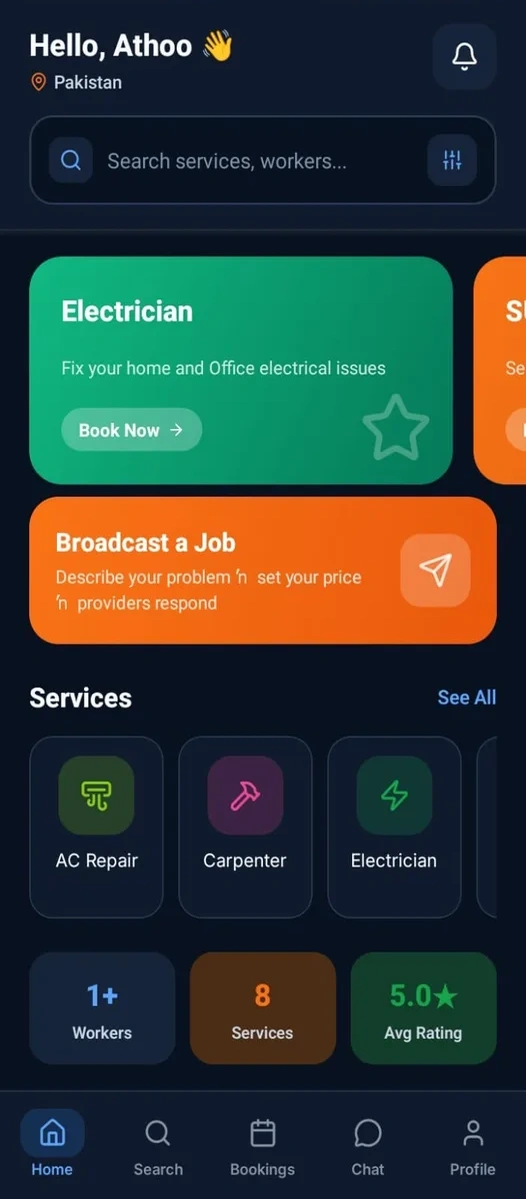
Explore service categories and the custom-job broadcast entry point.
Browse service filters, areas, map access and professional listings.
Review pending, active and completed work in one place.
See previous services and rebooking controls.
Register, select your service categories and provide required profile details.
Submit identity and applicable qualification/police documents during onboarding and follow review results.
Choose availability and travel radius to reflect where you can reasonably accept work.
Check broadcast job requests and relevant bookings before responding.
Follow status from pending to active, in progress and completed.
Use the earnings history and invoice screens to see recorded amounts and any applicable commissions.
Providers can manage coverage, jobs and earnings through their side of the platform.
Manage availability and review job and earning summaries.
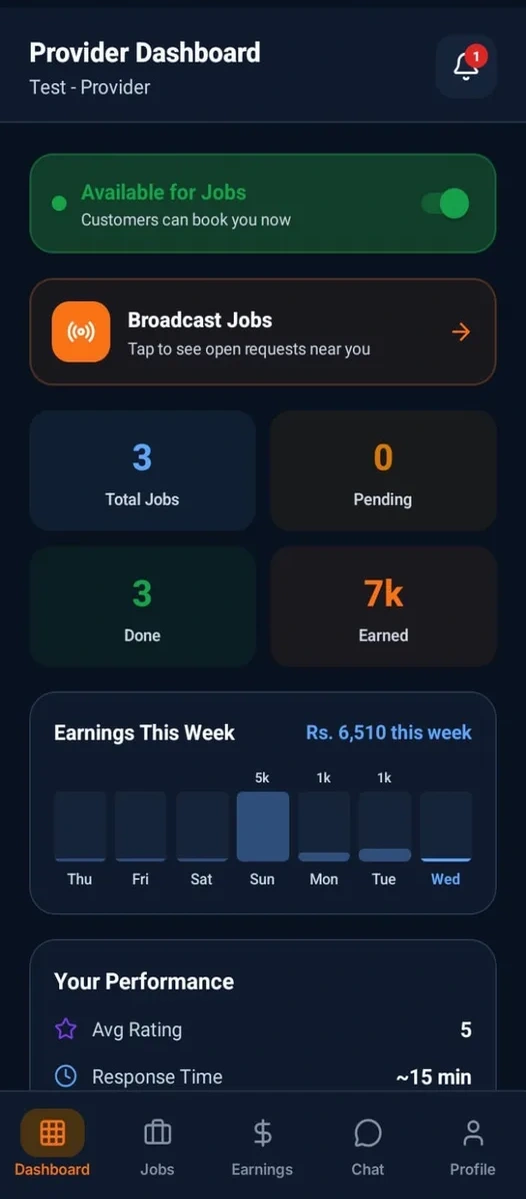
Manage availability and review job and earning summaries.
View jobs and filter them by status.
See earnings history and the commission breakdown.
Choose a travel radius for service opportunities.
Customers can explore services, describe a job, inspect available options where supported, and follow activity from bookings and history screens.
A professional configures offered services and travel radius, manages availability, receives relevant requests and reviews completed jobs in the dashboard.